Squad
Squad AI
Provider-independent AI gateway for ProcessWire — text, speech, images, embeddings and tool-use behind one clean API. (Formerly AiWire.)
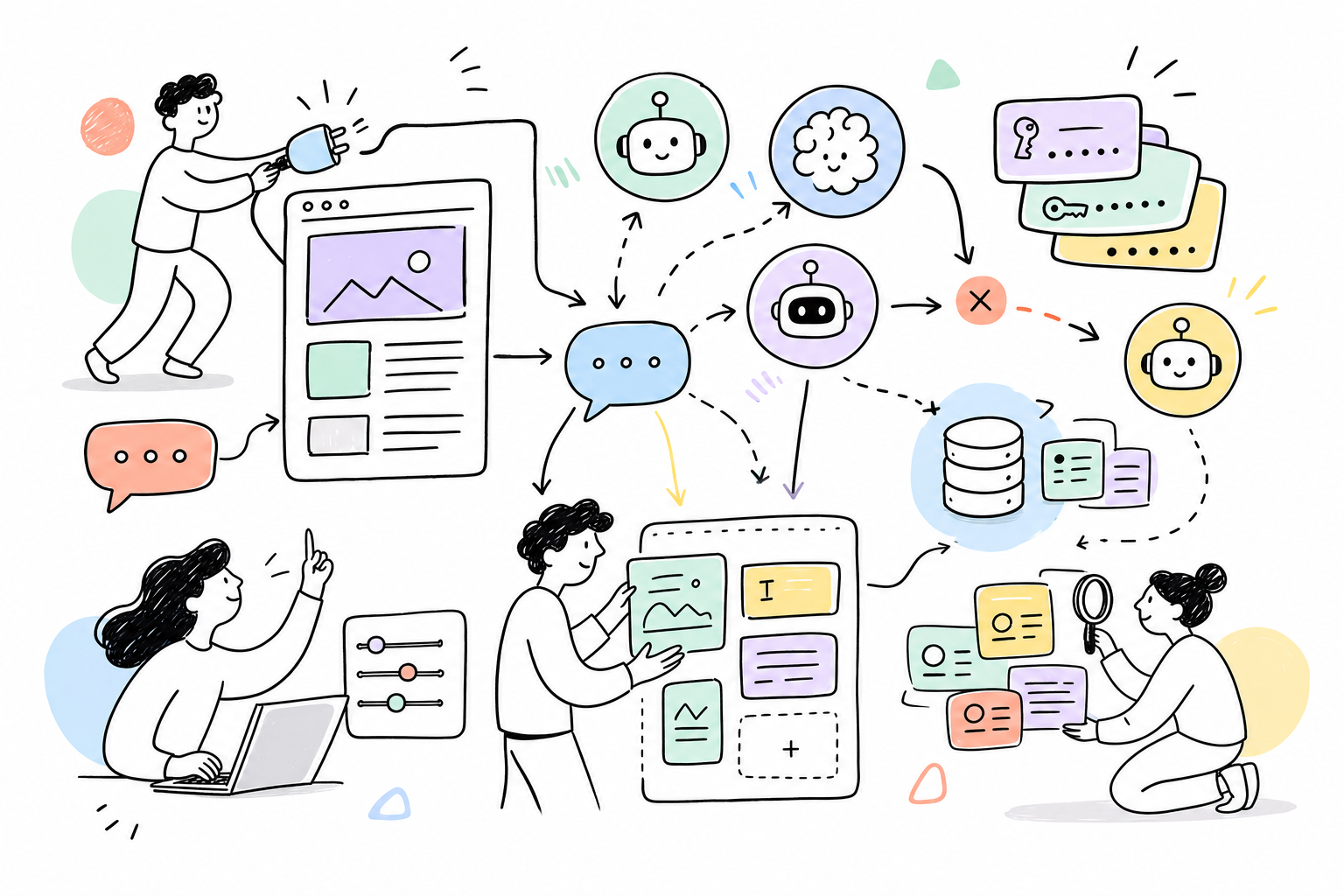
Squad connects your ProcessWire site to every major AI provider through a single, uniform PHP API. Write code once and switch providers (or fall back between them) without changing a line. Keys are stored encrypted, never in plaintext config.
📖 Full API reference + 25 worked examples → DOCUMENTATION.md · changes → CHANGELOG.md
$ai = $modules->get('Squad');
echo $ai->chat('Write a one-line tagline for a dentist in Boston.');
Features
- 14 providers, one API — Anthropic (Claude), OpenAI (GPT), Google (Gemini), xAI (Grok), OpenRouter (400+ models), plus direct Chinese providers: DeepSeek, Qwen (Alibaba), Kimi (Moonshot), GLM (Zhipu), MiniMax, Yi (01.AI), Doubao (ByteDance), Ernie (Baidu), Hunyuan (Tencent).
- Text —
chat()/ask()with system prompts, multi-turn history, temperature, token limits. - Streaming text —
stream()forwards provider deltas as they arrive while returning the complete normalized response. - Optional web search — one
webSearchflag maps to OpenRouter’s web plugin, Anthropic web search, OpenAI/xAI Responses search or native Google Search grounding; normalized citations are returned assources. - Embeddings —
embed()for one string or a batch (OpenAI, Google, Qwen, Zhipu). Powers RAG (see the Atlas module). - Images —
image()for text-to-image through xAI, OpenAI, or OpenRouter’s dedicated Image API. - Speech —
audio()/speech()for provider-independent TTS (xAI Voice, OpenRouter Grok Voice, OpenAI TTS), returning normalized base64 audio and metadata. - Vision —
vision()analyzes up to four bounded local images through multimodal Anthropic or OpenAI-compatible models (8 MB/image, 20 MB total, 12,000 px/side, 32 MP). - Tool use / agents —
run()drives a multi-step tool-calling loop (OpenAI and Anthropic tool formats). - Automatic fallback —
askWithFallback()walks every enabled key, then other providers, until one succeeds. - Multiple keys per provider — enable/disable, default-key selection, one-click connection test in admin.
- Encrypted key storage — keys live in a dedicated table, encrypted with libsodium (secret from
config.php), so a database dump never exposes them.env:NAMEreferences are also supported. - Prompt caching — Anthropic prompt caching for large system prompts, automatic for prompts ≥ ~3 KB.
- Adaptive-model aware — automatically omits
temperature/sampling params on models that reject them (Claude Opus 4.7/4.8, Fable/Mythos), so calls don’t 400. - File cache — TTL-based response caching (
D/W/M/Y, custom like2W) with optional page scoping. - Field storage —
askAndSave()/generate()write AI copy straight to page fields (skip if already filled). - Editable model catalog —
models.json+ live model refresh (OpenAI/OpenRouter) + per-key custom model IDs. - Native settings UI — responsive AdminThemeUikit/Konkat controls based on pw-design-system, including light/dark theme support and provider filtering.
- Media Playground — choose provider, key, model, voice and prompt, then preview generated speech or images directly in the module settings.
Requirements
- ProcessWire 3.0.210+
- PHP 8.1+ (with the sodium extension for encrypted key storage — bundled in PHP 8)
- cURL extension
Installation
- Copy into
site/modules/Squad/. - Admin → Modules → Refresh → Install “Squad”.
- Open the module config, add an API key under any provider, click Test, Save All Keys.
- Use
$modules->get('Squad')in your templates/modules.
site/modules/Squad/
├── Squad.module.php     # main module + provider catalogue + admin UI
├── SquadProvider.php    # HTTP client for all providers (chat / embed / image / tools)
├── SquadCache.php       # file-based response cache
├── SquadKeys.php        # encrypted key storage (libsodium)
├── models.json          # editable provider/model catalogue
├── README.md · DOCUMENTATION.md · CHANGELOG.md · LICENSE
Where to get keys
| Provider | Console |
|---|---|
| Anthropic | console.anthropic.com |
| OpenAI | platform.openai.com/api-keys |
| Google (Gemini) | aistudio.google.com/apikey |
| xAI | console.x.ai |
| OpenRouter | openrouter.ai/keys |
| DeepSeek / Qwen / Kimi / GLM / MiniMax / Yi / Doubao / Ernie / Hunyuan | each provider’s own console (see models.json for endpoints) |
Quick start
$ai = $modules->get('Squad');

// 1) Simple text
echo $ai->chat('What is ProcessWire?');

// 2) Full response with metadata
$res = $ai->ask('Explain embeddings in one sentence.', ['maxTokens' => 500]);
if ($res['success']) echo $res['content'];

// 3) Fallback across providers
$res = $ai->askWithFallback('Summarise this…', [
    'provider' => 'anthropic', 'fallbackProviders' => ['openai', 'google'],
]);

// 4) Embeddings (one string or an array → vectors)
$vec  = $ai->embed('hello world')['embedding'];          // [float, …]
$vecs = $ai->embed(['a', 'b', 'c'])['embeddings'];       // [[…], […], […]]

// 5) Image generation
$img = $ai->image('a calm coastal sunrise, photographic', ['aspect' => '16:9']);
echo $img['url'];   // or $img['b64']

// 6) Tool use (agent loop)
$res = $ai->run([
    'message' => 'What is 19 * 23?',
    'tools'   => [['name' => 'multiply', 'description' => 'Multiply two numbers',
        'parameters' => ['type'=>'object','properties'=>['a'=>['type'=>'number'],'b'=>['type'=>'number']],'required'=>['a','b']]]],
    'onTool'  => fn($name, $in) => (string) ($in['a'] * $in['b']),
]);
echo $res['content'];

// 7) Speech generation (xAI/OpenRouter defaults to Eve)
$speech = $ai->audio('Good morning', [
    'provider' => 'openrouter',
    'model' => 'x-ai/grok-voice-tts-1.0',
    'voice' => 'eve',
    'language' => 'en',
]);
file_put_contents('morning.mp3', base64_decode($speech['audio']));

// 8) Write AI copy into page fields
$ai->generate($page, [
    ['field' => 'summary',  'prompt' => "One-sentence summary of {$page->title}"],
    ['field' => 'body',     'prompt' => "Two paragraphs about {$page->title}"],
], ['cache' => 'M']);
API methods
| Method | Returns | Description |
|---|---|---|
chat($msg, $opts) |
string |
Text only, '' on error |
ask($msg, $opts) |
array |
success, content, usage, raw, cached |
stream($msg, $onDelta, $opts) |
array |
Calls $onDelta for each text delta and returns the final response |
askWithFallback($msg, $opts) |
array |
Tries all keys/providers until success |
askMultiple($msg, $providers) |
array |
Same prompt to several providers |
embed($input, $opts) |
array |
embedding (single) / embeddings (batch), model, usage |
image($prompt, $opts) |
array |
url / b64, model, provider |
audio($text, $opts) / speech(...) |
array |
Base64 audio, MIME type, model, voice, provider |
run($opts) |
array |
Tool-use loop: content, steps, messages, usage |
generate($page, $blocks, $opts) |
array |
Multi-block field generation |
askAndSave($page, $fields, $msg) |
array |
Ask + save to field (skip if filled) |
saveTo / loadFrom |
bool / ?string |
Manual field storage |
getProvidersStatus() |
array |
Providers + key status |
getDefaultEmbedProvider() / getDefaultImageProvider() / getDefaultAudioProvider() |
?string |
First capable provider with a key |
getCapabilityProviders() / getCapabilityOptions() |
array |
Discover configured capabilities, models, and voices |
clearCache / clearAllCache / cacheStats |
— | Cache management |
Common $opts: provider, model, systemPrompt, maxTokens, temperature,
history, keyIndex, cache, timeout, webSearch and
webSearchMaxResults (1–10, default 5). Search may add provider charges and
latency. OpenRouter supports search for every routed model; direct search is
supported for Anthropic, OpenAI, Google and xAI. Other direct adapters return a
clear unsupported error instead of silently answering without search.
$result = $modules->get('Squad')->ask(
    'What changed in Australian herbal liqueurs this year?',
    [
        'provider' => 'openrouter',
        'webSearch' => true,
        'webSearchMaxResults' => 5,
    ]
);

foreach($result['sources'] ?? [] as $source) {
    echo $source['title'] . ': ' . $source['url'];
}
Embeddings/images/speech also accept provider/model; image() takes aspect,
resolution, size, n. audio() takes voice, language, instructions,
format, and speed. vision($prompt, $images, $opts) accepts bounded
local image paths or image data URLs.
Security
- Keys are encrypted at rest. They are stored in the
squad_keystable as libsodium ciphertext; the encryption key is derived from a secret inconfig.php($config->squadSecret→tableSalt→userAuthSalt), never from the database — so a DB dump only ever contains ciphertext. Don’t change that salt after storing keys, or they’d need re-entering. env:references — store a key asenv:OPENAI_API_KEYto read it from an environment variable instead of the database.- Admin AJAX actions are CSRF-validated; JSON embedded in admin markup is escaped.
License
MIT. Author: Maxim Semenov — smnv.org · built for the ProcessWire community.